Mask Image
Description
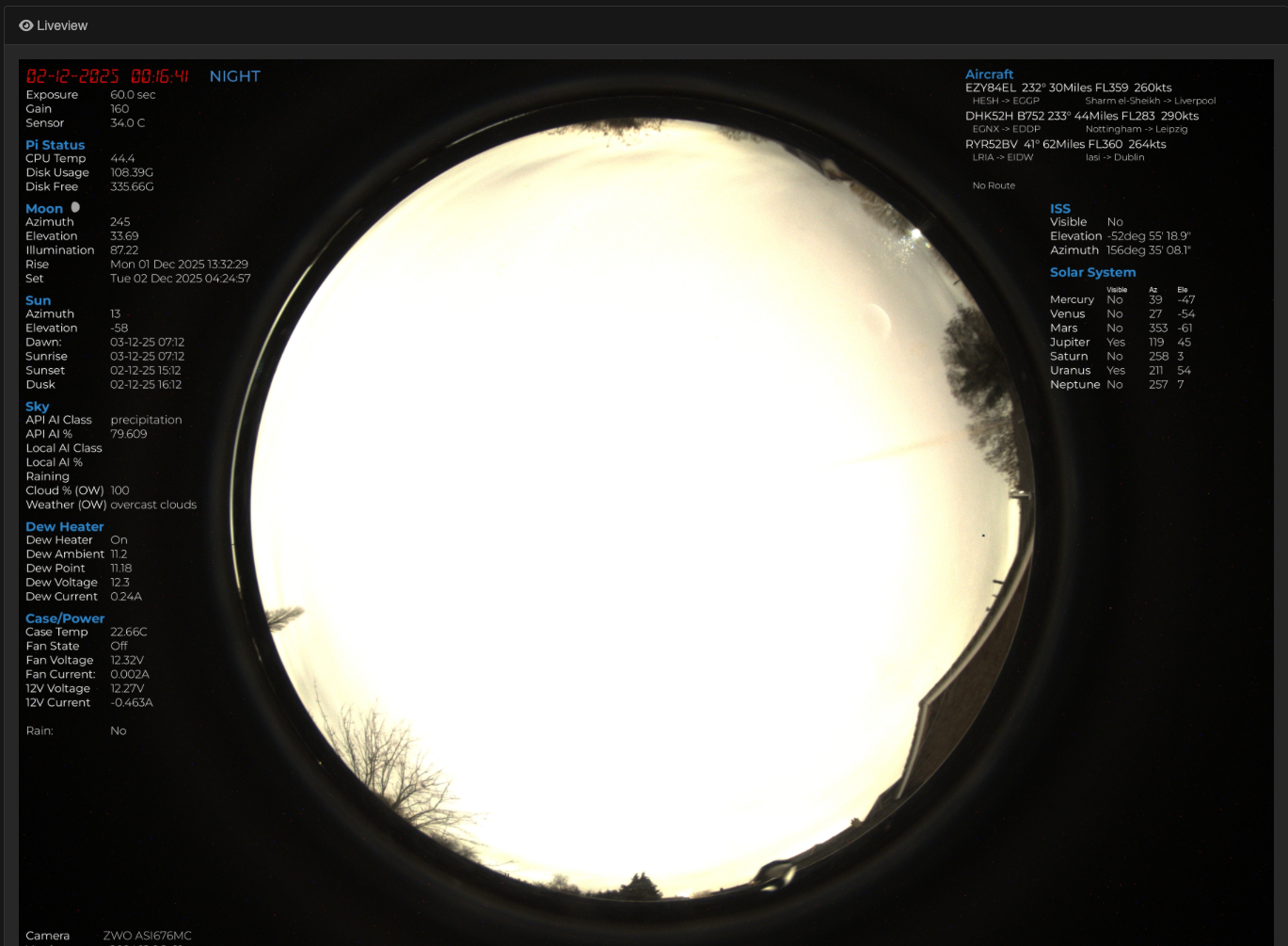
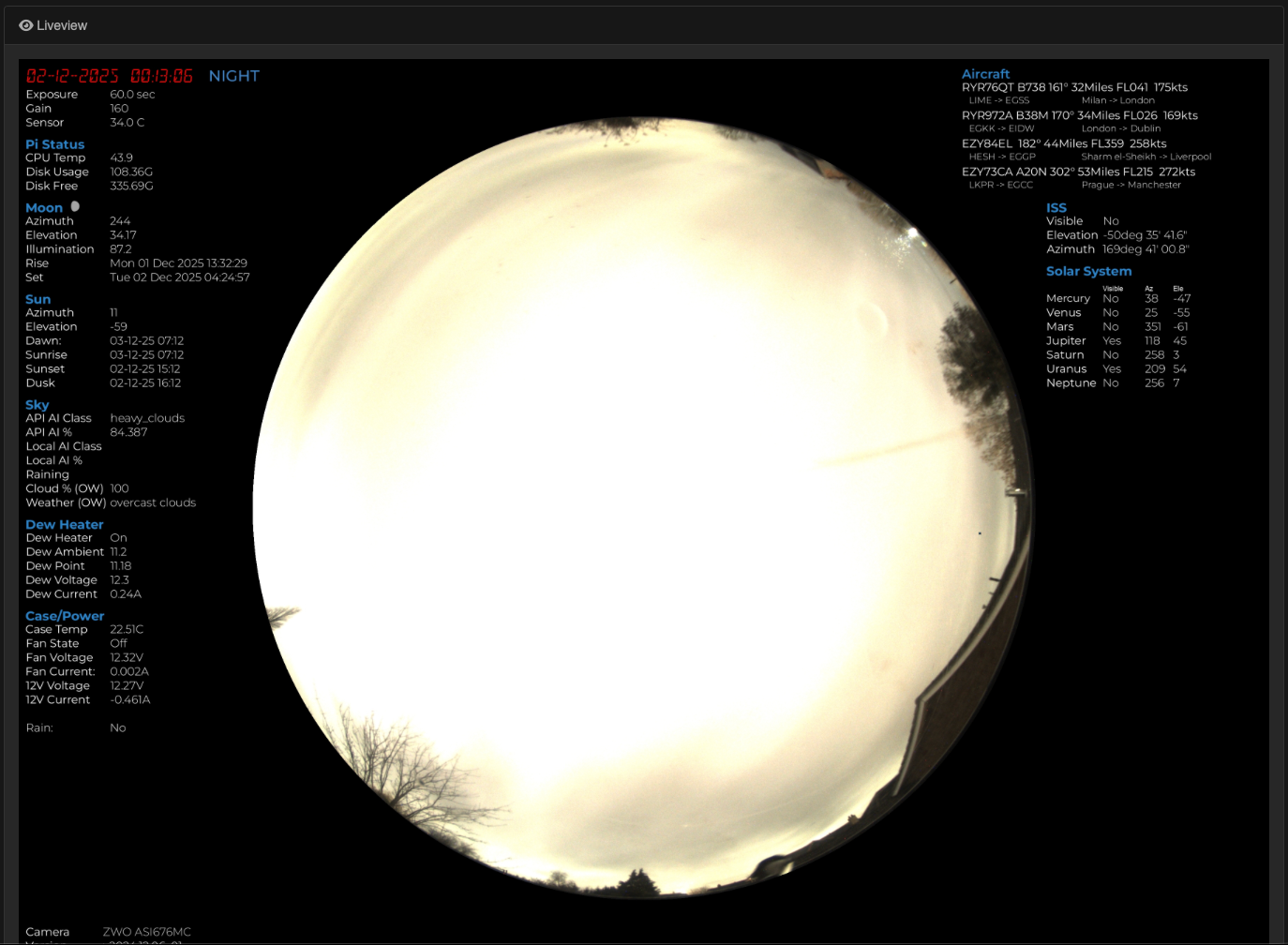
This module applied a mask to an image. This is mainly uised to ensure the areas outside of the image circle are black, serving two purposes
- Aesthetically it looks better
- It allows for a more consistent background for overlaid data
For details on howto create masks please refer to the Creating Masks documentation
Settings
The following settings are available in the module
| Setting | Description |
|---|---|
| Mask Path | Select the mask to use. |
 |
 |
|---|---|
| Unmasked Image | Masked Image |
Example masking an image
In the above example the image on the left has no mask applied resulting in the areas outside of th eimage circle looking messy. The right hand image has a mask applied giving a much cleaner image
Available in
-
Daytime
- The Day time pipeline
-
Nighttime
- The Night time pipeline